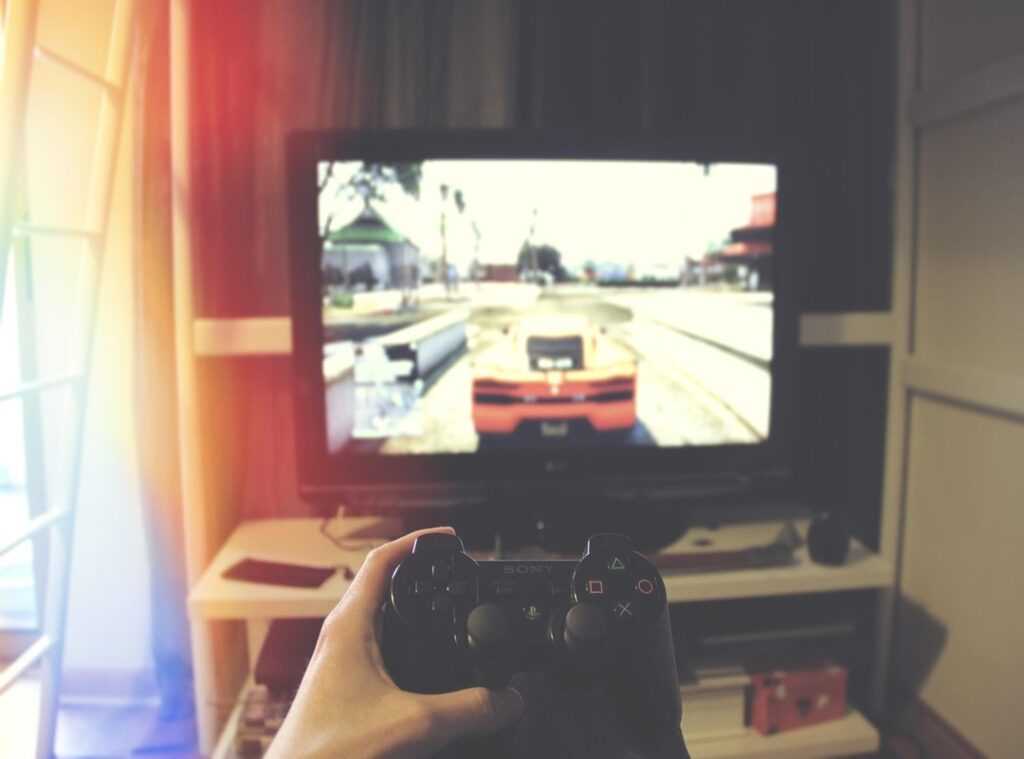
You’re in the middle of a key game, and suddenly your character starts drifting across the screen. Frustrating, right?
I’ve been there too. It’s maddening when your aim is off because of a wonky controller.
This guide is here to help. I’ve tackled Gamestick Togamesticky issues with dozens of controllers. PlayStation, Xbox, Nintendo, you name it.
We’ll cover everything from stick drift to unresponsiveness.
By the end, you’ll have actionable steps to either fix your current controller or decide if it’s time for a new one.
Anatomy of an Analog Stick: What’s Happening Under the Hood?
Let’s break it down. The analog stick has three main parts: the stick, the spring mechanism, and the potentiometers.
You can read more about this in Togamesticky.
The stick is what you touch. It moves around, and that movement is key. The spring mechanism helps it snap back to the center when you let go.
Now, the potentiometers. Think of them like a dimmer switch for a light. As you move the stick, the potentiometer changes the electrical signal.
Simple, right?
This signal tells the console where the stick is pointing.
Traditional sticks use potentiometers, but they can wear out over time. Dust and debris get in there, causing drift. That’s when your stick thinks it’s moving even when it’s not.
Annoying, isn’t it?
Newer Hall effect sticks are different. They use magnetic fields instead of physical contact. This means they’re more resistant to drift.
A big plus if you ask me.
Dust, grime, and wear on the internal carbon film or plastic parts are the culprits. They mess with the potentiometers, leading to those common issues. (You know, the ones that make you want to throw your controller across the room.)
If you want to dive deeper, read more about how these components work together.
Diagnosing the Problem: Is It Stick Drift, a Deadzone Issue?
Let’s get one thing straight. Stick drift is when your controller sends input signals even when the stick is in a neutral, untouched position. It’s annoying.
First, let’s test your controller. On PlayStation, go to Settings > Accessories > Controller. For Xbox, use the Accessories app.
On Nintendo Switch, head to System Settings > Controllers and Sensors > Calibrate Control Sticks.
If you’re on PC, check out gamepad-tester.com. It’s a universal tool that gives you a visualizer. Just plug in your controller and move the sticks around.
The site will show you if there’s any unintended input.
Now, here’s the tricky part. Sometimes what looks like stick drift is just a deadzone issue. A deadzone is a small range where the controller doesn’t register movement.
If it’s set too wide, it can mask real drift. If it’s too narrow, it might cause false positives.
So, how do you know if it’s hardware or software? Try adjusting the in-game settings. Some games have options to tweak deadzones.
Play around with these settings and see if the problem persists.
I wrote more about this in Gaming Togamesticky.
If you’re still seeing issues, it’s likely a hardware problem. Time to consider a new controller.
Remember, a bit of patience and some tweaking can save you from a lot of frustration.
The DIY Fix-It Playbook: From Quick Fixes to Pro Repairs
Level 1 (Software & Simple Fixes)
First things first, let’s tackle the basics. If your controller is acting up, start with a full recalibration. It’s easy and can make a big difference.
Next, update the firmware. This can fix a lot of hidden issues. Most consoles have a straightforward process for this, so don’t skip it.
If you’re in a pinch, adjust the in-game deadzone settings. It’s a quick fix that can buy you some time.
Level 2 (No-Disassembly Cleaning)
Now, if you’re dealing with a sticky stick, no need to panic. Grab some compressed air and a cotton swab.
Start by blowing out any debris. You’d be surprised how much gunk can get in there.
Then, use a small amount of 90%+ isopropyl alcohol on the cotton swab. Gently clean around the base of the stick. Be careful not to soak it.
This should clear up most minor issues. If it doesn’t, you might need to move to the next level.
Level 3 (Advanced Repair – Disassembly Required)
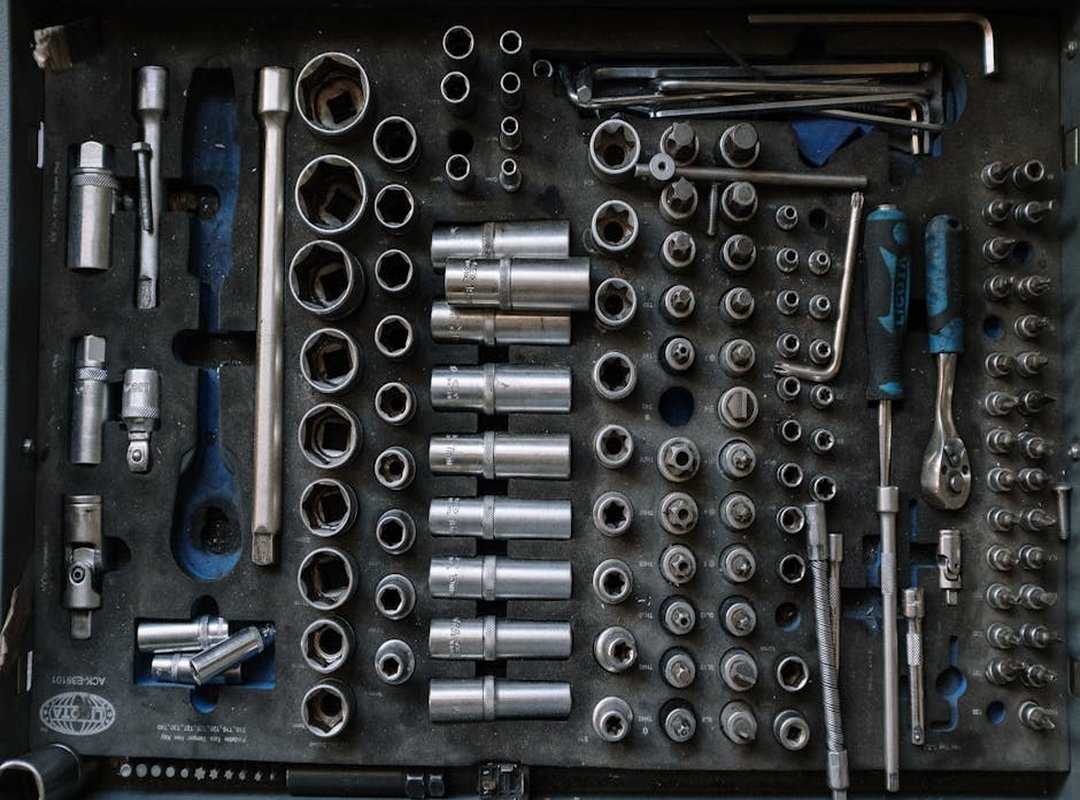
Replacing the potentiometer or the entire analog stick module is serious business. It requires tools like a soldering iron and some technical know-how.
I can’t stress this enough: do not attempt this if you’re not comfortable with electronics. It will void your warranty.
If you’re up for it, consider getting a repair kit. These kits usually come with everything you need, including instructions.
But honestly, if you’re not sure, it’s better to leave it to the pros. No shame in that.
Remember, messing with the insides of your controller isn’t just about fixing it. You could end up making things worse.
So, if you’re still feeling adventurous, go for it. Just be prepared for the potential consequences.
I go into much more detail on this in Video Games Togamesticky.
Repair or Replace? Making the Smart Financial Call
So, your controller’s acting up. What now?
First off, is it under warranty? If yes, contact support. No need to DIY.
Next, how much are we talking for a repair kit and tools? If it’s more than 50% of a new one, forget it.
How old is the thing? Older controllers might have other parts failing soon.
Here’s my rule: if it’s a simple cleaning fix or under warranty, go for the repair. But if it’s a complex soldering job on an old Gamestick Togamesticky, just replace it.
Save yourself the headache. Trust me.
(For more tips, check out this guide.)
Get Your Controller Back in the Game
A faulty game controller can ruin your gaming experience. You’ve got options now. Simple software tweaks, cleaning, recalibration.
Don’t toss that controller just yet. Grab some compressed air, try a recalibration, and take back control of your game.
 Ask David Kaplantopherr how they got into latest gaming news and you'll probably get a longer answer than you expected. The short version: David started doing it, got genuinely hooked, and at some point realized they had accumulated enough hard-won knowledge that it would be a waste not to share it. So they started writing.
What makes David worth reading is that they skips the obvious stuff. Nobody needs another surface-level take on Latest Gaming News, Player Strategy Guides, Expert Commentary. What readers actually want is the nuance — the part that only becomes clear after you've made a few mistakes and figured out why. That's the territory David operates in. The writing is direct, occasionally blunt, and always built around what's actually true rather than what sounds good in an article. They has little patience for filler, which means they's pieces tend to be denser with real information than the average post on the same subject.
David doesn't write to impress anyone. They writes because they has things to say that they genuinely thinks people should hear. That motivation — basic as it sounds — produces something noticeably different from content written for clicks or word count. Readers pick up on it. The comments on David's work tend to reflect that.
Ask David Kaplantopherr how they got into latest gaming news and you'll probably get a longer answer than you expected. The short version: David started doing it, got genuinely hooked, and at some point realized they had accumulated enough hard-won knowledge that it would be a waste not to share it. So they started writing.
What makes David worth reading is that they skips the obvious stuff. Nobody needs another surface-level take on Latest Gaming News, Player Strategy Guides, Expert Commentary. What readers actually want is the nuance — the part that only becomes clear after you've made a few mistakes and figured out why. That's the territory David operates in. The writing is direct, occasionally blunt, and always built around what's actually true rather than what sounds good in an article. They has little patience for filler, which means they's pieces tend to be denser with real information than the average post on the same subject.
David doesn't write to impress anyone. They writes because they has things to say that they genuinely thinks people should hear. That motivation — basic as it sounds — produces something noticeably different from content written for clicks or word count. Readers pick up on it. The comments on David's work tend to reflect that.